Multiple locations & recurring classes
Run every club from one account, each with its own coaches, clients and schedule, and write a weekly class once instead of every week on Ultimate.
See where it fits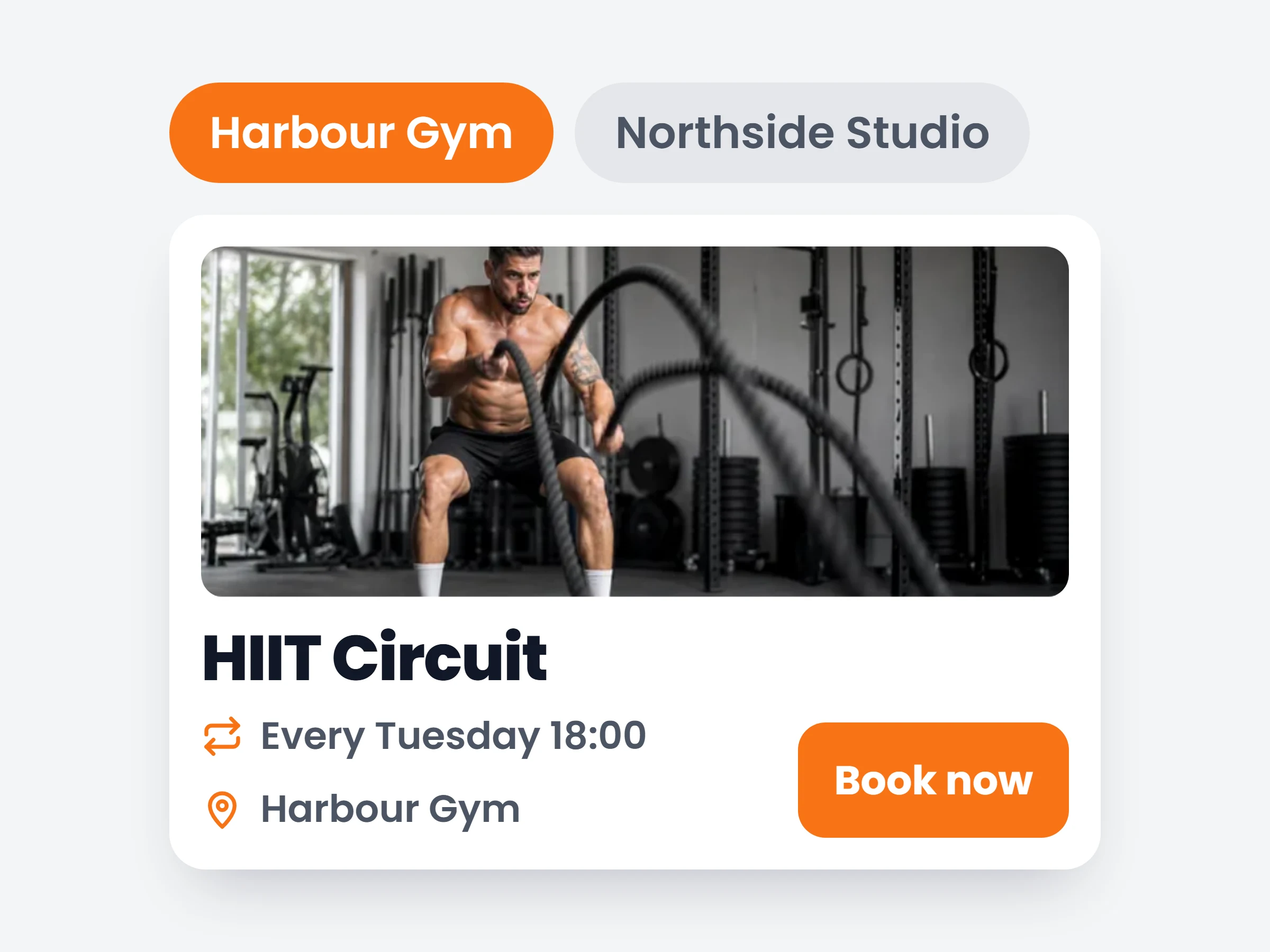
How trainers can use it
Run two gyms from one account
Separate rosters, separate timetables, separate staff — without separate logins or a second subscription.
Put the weekly timetable on autopilot
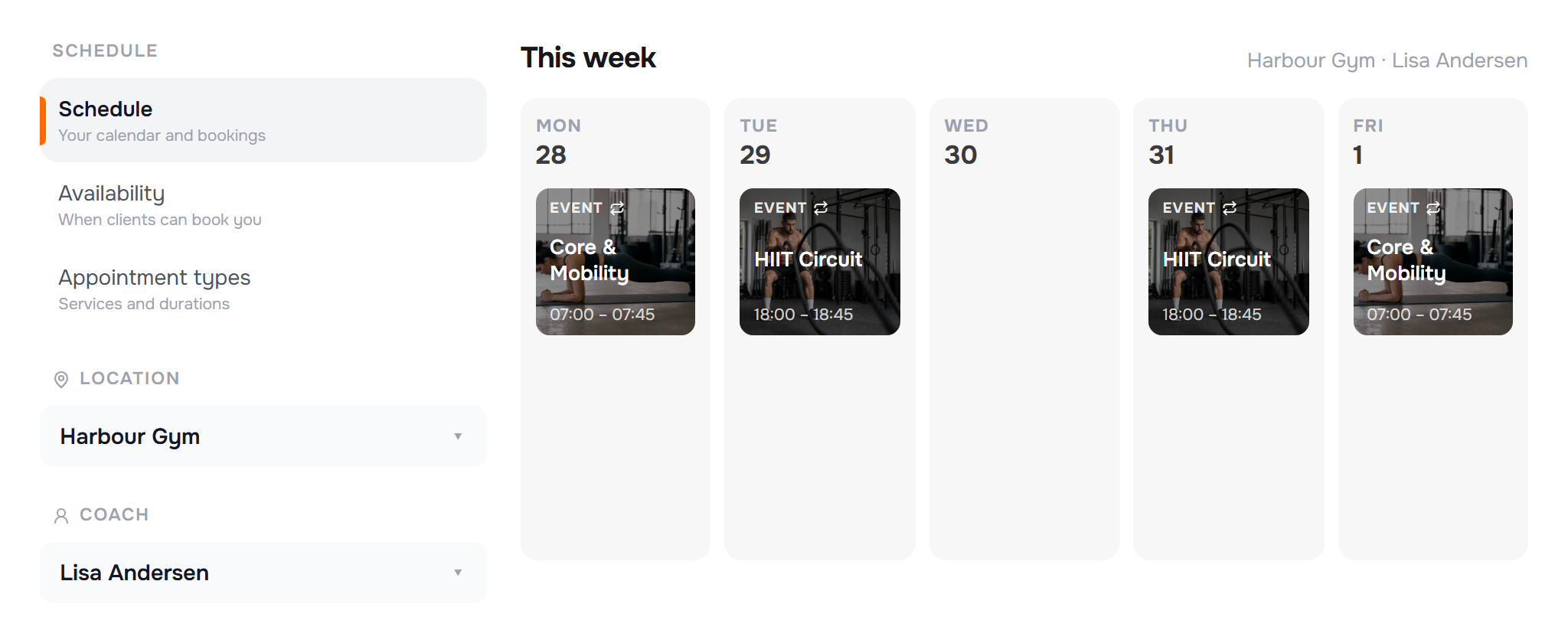
Tuesday 18:00 HIIT gets written once and appears every week, each session bookable on its own.
Give every coach their own week
A coach assigned to a club sees that club’s classes and bookings — not the whole business.
Coaching out of more than one place used to mean keeping more than one calendar. Now every club you run lives in the same account: each location has its own coaches, its own clients and its own slice of the week — and the classes that repeat only have to be written once.
None of this is a separate product to bolt on. Locations sit inside studio management, next to your team, roles and permissions — the coaches you post to a club are the studio team members you already have. It all comes with the Ultimate plan, the same plan that unlocks studio and team management, so there is no add-on to buy and no second subscription for the second gym.
How it works
- 01
Add your clubs
Locations live under Studio management, alongside your team and roles. Give each club a name and an address, then assign the coaches who work there and the clients who train there.
- 02
Filter the week by club or coach
Your schedule and client list both gain club and coach filters. A coach tied to one location simply sees that location.
- 03
Set a class to repeat
Daily, weekly on the days you pick, every 2–4 weeks, or monthly. Every occurrence is a real session with its own capacity and bookings.
What a club holds
- Coachesthe staff who work there — each sees their own classes and bookings
- Clientstagged to their home club, filterable on the roster
- Classes & appointmentseverything scheduled at that address, on one calendar
- Appointment typesthe services bookable there, with their own booking hours
It is already in your account.
Every update ships to every trainer automatically. New here? Start free and try it with your own clients.