



Build once, assign to every client
Design multi-week client workflows with a visual drag-and-drop calendar. Automate onboarding, plan assignments, check-ins and payment requests, then reuse them across your entire client base.
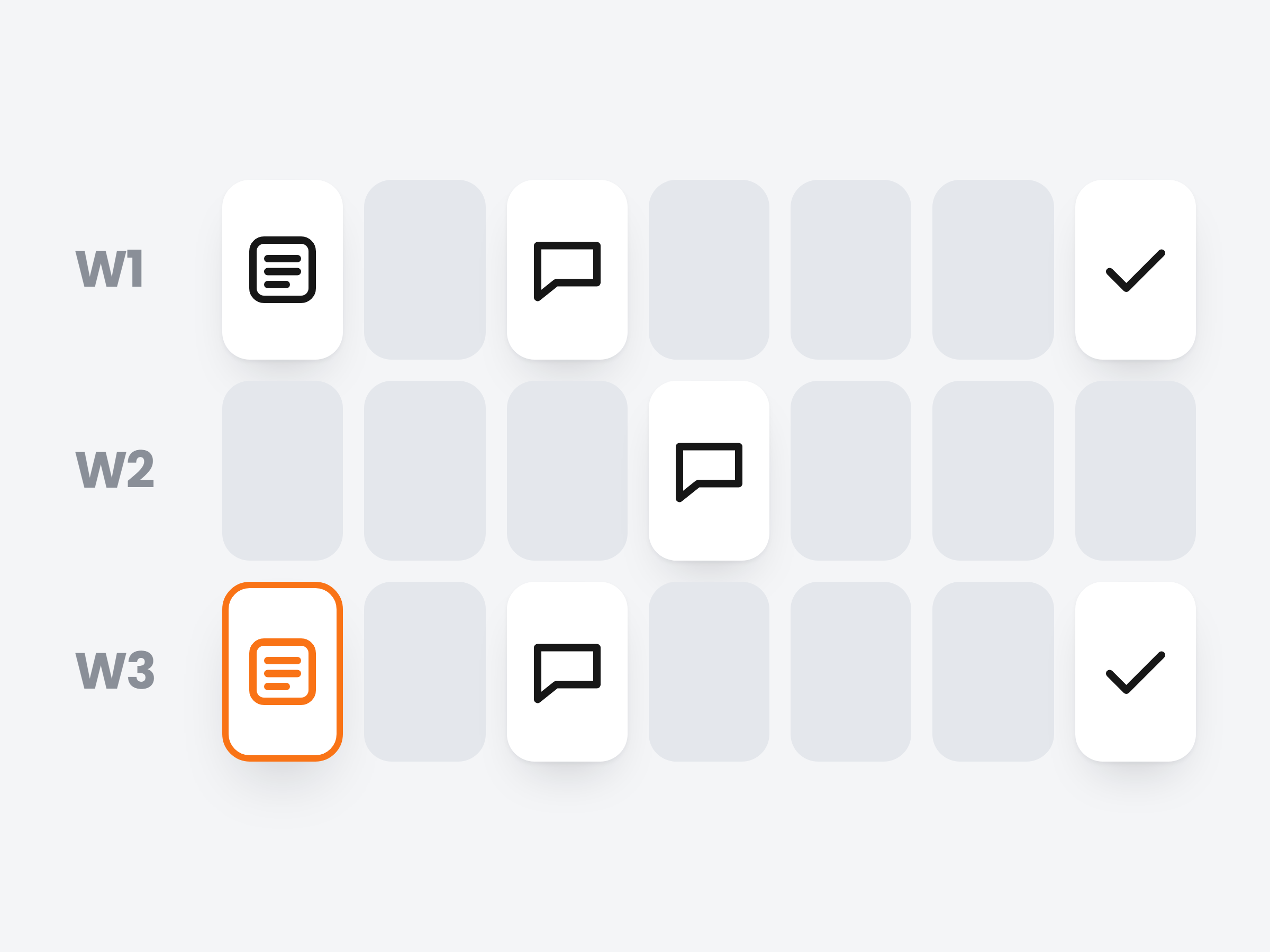
Lay out the first month, one day at a time.
Add each step to the day it should happen: a welcome on day 1, a check-in every week, a progress summary at the end. Every step is set up right on the calendar.
Six kinds of step
Messages, training plans, meal plans, check-ins, payment requests and progress summaries.
Set up in place
Click a step to pick the plan or write the message. {client_name} fills in each client's name.
Rearrange freely
Drag steps between days, copy and paste them, undo when you change your mind.
New Client OnboardingReady
4 week workflow
Message
Welcome
Training plan
Strength plan
Meal plan
1,850 kcal
Check-in
Weekly
Message
Two weeks in
Check-in
Weekly
Summary
Since day 1
Payment
€149
Add week
Assign it with a start date.
Pick the workflow, the day it starts and the time its steps go out. The whole month maps onto that client's calendar from their day 1.
Their own clock
Two clients on the same workflow can be weeks apart. Each one runs from its own start date.
One send time
Choose when steps go out, then move single steps after assigning.
Reuse it for everyone
Build it once and assign it to every new client, as often as you like.
Assign Workflow
Assign for Sarah Mitchell starting on October 5, 2026
Workflow template
New Client Onboarding
4 weeks · 6 days configured
Start date
Execution time
Default time for all actions. You can adjust single actions after assigning.
Then it runs on its own.
Every step fires on its day at the time you set, from our servers, whether you are online or not. Done steps tick off on the client's calendar.
See what fires next
The client's Workflows tab shows every step, done or still to come.
Adjust one client
Drag a step to another day or skip it for one client. The template stays the same.
Pause any time
Pause, resume or remove a workflow from the client's profile.
Need steps that react to a missed workout? Use the automation builder.
New Client Onboarding
Sarah Mitchell · Workflows
Mon 5 Oct · 09:00
Message
Welcome
Training plan
Strength plan
Tue 6 Oct · 09:00
Meal plan
1,850 kcal
Sun 11 Oct · 09:00
Check-in
Weekly
Sun 18 Oct · 09:00
Message
Two weeks in
They sign up. Their month starts.
Add an Assign Workflow step to a New Client Joins automation. Every new client starts the workflow the day they sign up.
New client welcome
Automation
Any new client
New Client Onboarding
Assigned Workflows
All workflows assigned to Emma Reyes
New Client Onboarding
Started today 4 weeks
Assigned by New client welcome
Day 1 is signup day
The workflow starts the day the automation assigns it, then runs week by week.
Never twice
A client already running that workflow is skipped, so repeat triggers never stack it.
Part of Ultimate
Workflows and automations are included with the Ultimate plan.

Ready to put client onboarding on autopilot?
Join trainers using Scraler workflows to onboard clients in minutes, not hours. Build once and let the system handle the rest.
Full access, cancel anytime