



Track client nutrition with precision macros
Set personalized macro targets, monitor daily food intake, and track client compliance. The complete nutrition tracking system for professional trainers.
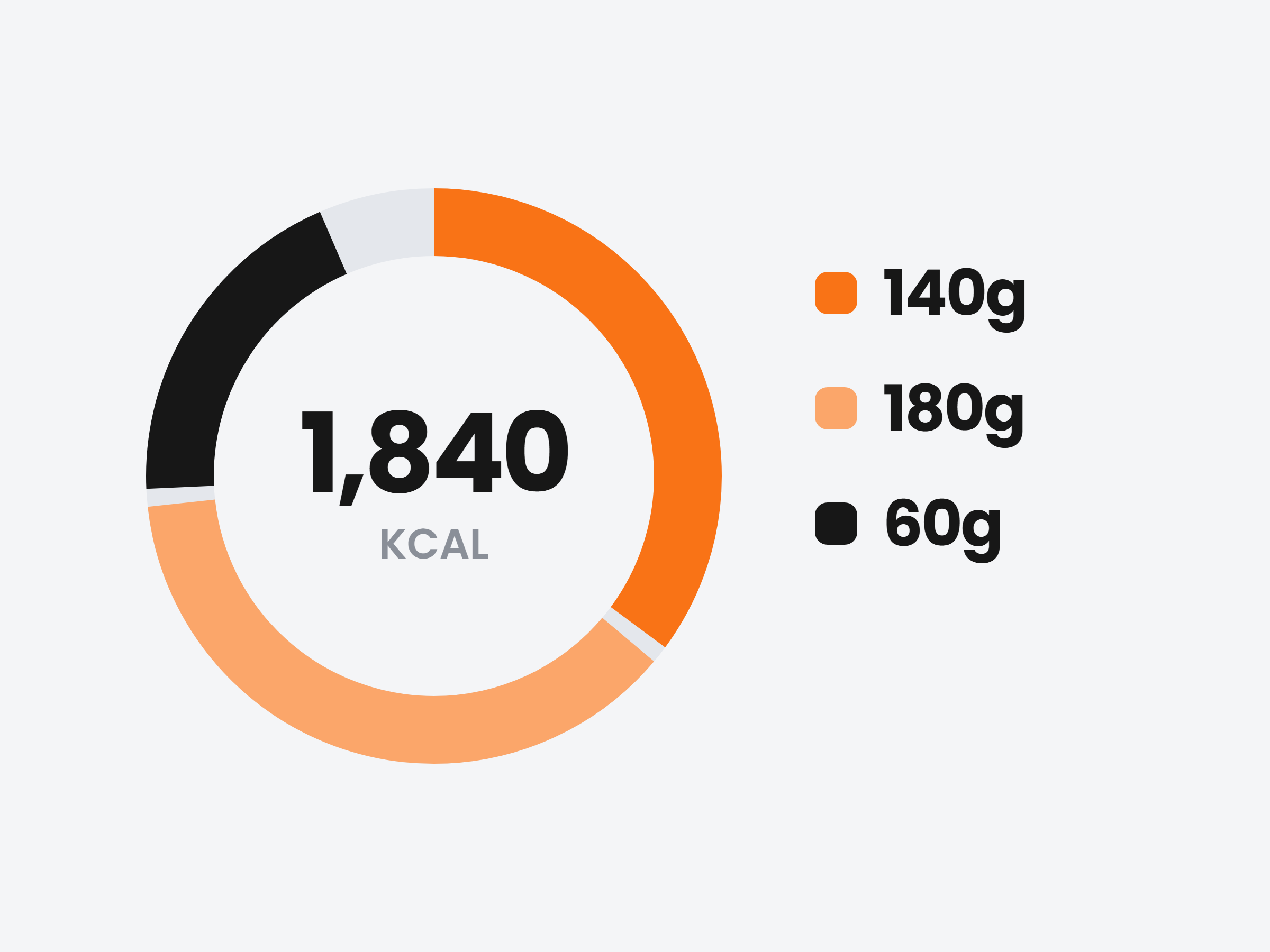
Targets worked out from their own stats.
Weight, height, age and activity give you their maintenance. Pick the days, type the calories and the split in percent, and the grams are worked out for you.
Set the moment they sign up
Turn it on once and every new client gets a calorie target from the stats they enter when they join, with the deficit or surplus you choose.
Different days, different numbers
More carbs on training days, fewer on rest days. Select the days and apply.
A few days or from now on
Apply to the days you picked, or make it their new ongoing target from a date.
Base maintenance 2,211 kcal (at 68 kg) · this is +189 kcal above base
Apply from Sep 28 onwardBecomes the new ongoing target.
A food log clients actually keep up with.
Clients log by meal in their app. They search the food database or scan a barcode, and the day’s calories and macros update as they go.
Search, scan or add their own
The food database, a barcode scanner, and custom foods they create once and reuse.
My Meals, re-logged in one tap
They save a meal they eat every week and add the whole thing again with one tap, macros included.
What they logged stays logged
Every entry keeps the calories and macros they picked, so the diary you review is exactly what they saw.
Add Food
Breakfast · Sep 30
Overnight oats
3 foods · 420 kcal
Rolled oats · Greek yogurt · Blueberries
Pre-workout bowl
4 foods · 640 kcal
Chicken breast · Basmati rice · Broccoli · Soy sauce
Know how the week went before the check-in.
Their profile sums up the week against their targets, and every day sits on their Nutrition calendar with calories logged against that day’s goal.
Days logged, up front
See how many of the last seven days they logged, with a flag when tracking gets thin.
Against maintenance too
Their live maintenance sits next to the target, so you see the real deficit or surplus.
A month at a glance
The calendar shows every day’s calories against its target. Click one to open it.
Nutrition this week
4/7 days logged
Base maintenance 2,211 kcal · +189 kcal
What they ate, meal by meal.
Click a day on their calendar to see every food they logged against that day’s targets. A macro past its target turns red.
Monday
July 13, 2026
1,705 / 1,800 kcal
110 / 140g
165 / 155g
63 / 60g
Breakfast
396 kcal · 21p 31c 20f
Add ingredient
Lunch
544 kcal · 49p 47c 16f
Over target stands out
Calories or a macro past the goal shows in red, so a carb-heavy day is obvious.
Fix a log for them
Add an ingredient or remove a wrong entry right on their day.
Same numbers in their app
Clients see the same calories and macros as rings at the top of their food log.
Working out targets by hand? Try the free macro calculator, TDEE calculator, protein calculator and carb cycling calculator.
Shopping around for nutrition software? Read our guide to the best nutrition coaching software.

Ready to master client nutrition?
Join thousands of trainers who use Scraler to track macros and transform client results.
Full access, cancel anytime