



Scale your business with team management
Add trainers and staff to your studio with custom roles, granular permissions, and client assignments. Track activity and collaborate seamlessly.
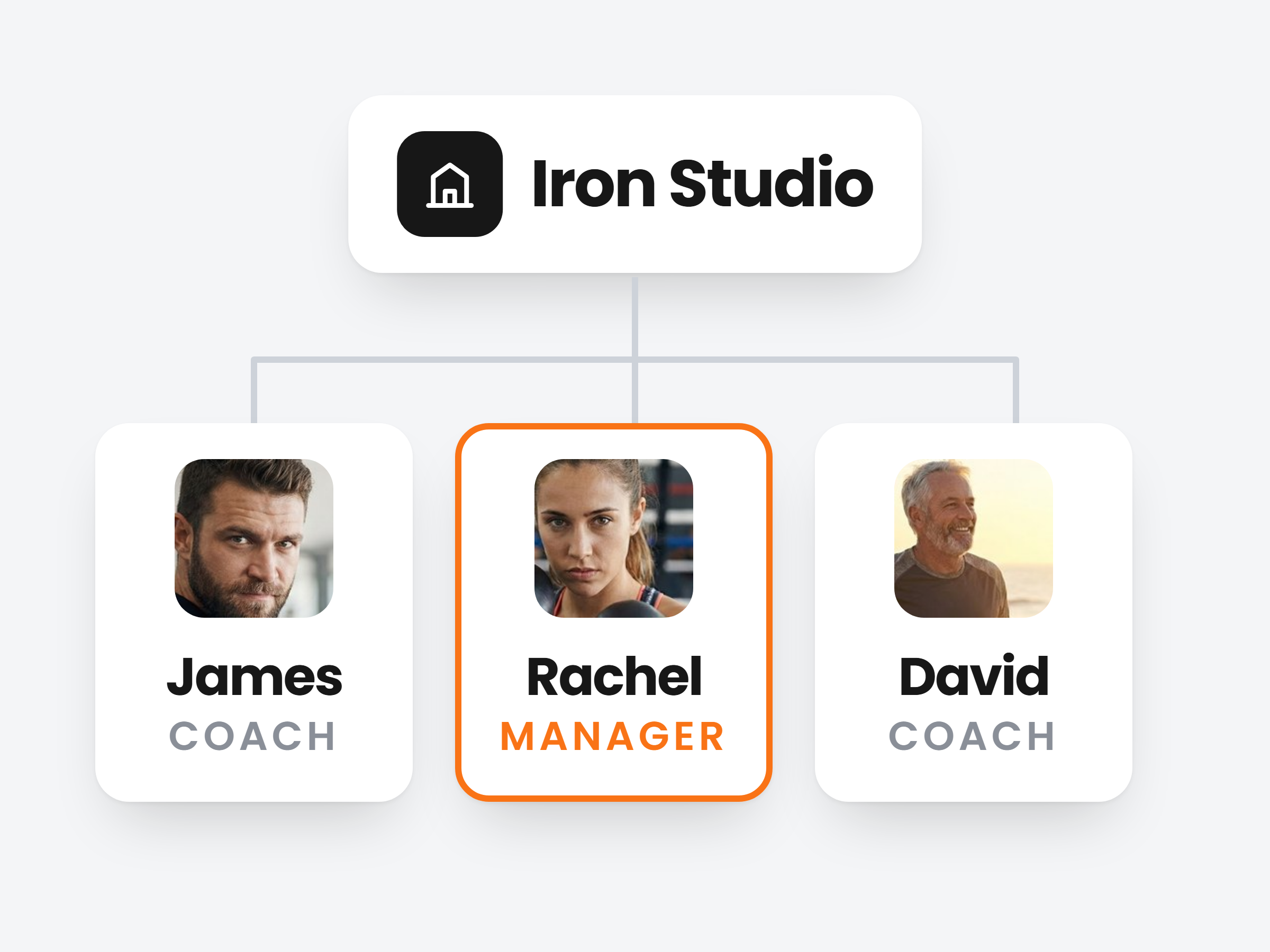
Give every coach their own login.
Add your coaches and staff by email. They get a signup link, set a password and work inside your studio, under their own name.
Invite by email
Enter a name and email. They finish signing up themselves.
A role and a club from day one
Pick their role and the locations they work at while you add them.
Their own clients
Assign clients to each coach, or let them see the whole studio.
Studio Managers
Iron Studio · 4 people

Rachel Adams
rachel@ironstudio.com
ManagerDowntown

James Kim
james@ironstudio.com
CoachDowntown

David Ross
david@ironstudio.com
CoachNorthside
Lena Hoffmann
lena@ironstudio.com
Front DeskNorthside
Decide what each role can touch.
A role is a set of switches, one per area of the dashboard. Front desk books and chats, coaches program, and finance stays with you.
12 areas, each on or off
Training, nutrition, scheduling, messaging, check-ins, finance, branding and more.
Start from a template
Admin, Trainer, Finance and Nutritionist are ready to use. Or build your own.
Change it any time
Edit a role once and everyone who has it gets the new access.
Edit Role: Front Desk
Modify permissions for this role.
Permissions
Scheduling
Appointments, calendar, booking requests
Messaging
Client chat and messages
Clients
Add, edit, archive and organise clients
Training & Workouts
Workouts, exercises, plans, templates
Financial Management
Earnings, billing, payments, reports
Studio Administration
Team members, roles, studio settings
Run every club from one account.
Give each club an address, its coaches and its clients. Then filter the schedule to one club, one coach or both.
Clubs with their own team
A coach tied to one club sees that club: its clients, classes and bookings.
Classes that repeat
Daily, weekly on the days you pick, every 2 to 4 weeks or monthly. Each session is bookable on its own.
Close a club, keep the data
Deactivate a location and move its people to another. Nothing is deleted.
Location
Coach
This week
Mon28

Tue29

Wed30
Thu1
See who did what, and when.
Open a team member's profile and the Activity tab lists what they changed: plans assigned, clients messaged, sessions booked, each with the client and the time.
Filter by category
Communication, training, nutrition, scheduling, clients, finance and more.
Search and pick dates
Find one change, or look back over a week before a review.
Exports included
When a team member exports a client's data, it shows up here too.
James Kim
CoachDowntown
Activity Log
All ActivitiesToday
Assigned training plan to Mark Smit09:42
Strength Foundations · Training
Messaged Nina Peters09:15
Client chat · Communication
Created meal plan: Lean Bulk08:50
Tom Visser · Nutrition
Created appointment with Emma de Vries08:31
Friday 07:00 · Scheduling
A staff room that is not a WhatsApp group.
Team Chats for the conversation, Team Tasks for the to-do list. Both live in Scraler, and clients never see either.
Team Chats
New ChatGeneral 5
Everything studio-wide
Rachel: New timetable goes live Monday
Front Desk1 5
Bookings, trials and walk-ins
Lena: Tuesday 7am is fully booked
Coaches2 5
Programming and hand-offs
James: I will take Emma from next week
Team Tasks
Add TaskTo Do2
Call back Saturday trial sign-ups
High Lena Sep 25
Order new resistance bands
Low David Sep 29
In Progress1
Update the October class schedule
Medium Rachel Sep 27
Everyone is in
Every team member and you are in every team chat. Files and voice notes included.
Tasks with an owner
Assign a task to one person or everyone, with a priority and a due date.
Part of Ultimate
Studio and team management come with the Ultimate plan.

Ready to scale your fitness business?
Join studios using Scraler to manage their team, streamline operations, and deliver better client results.
Full access, cancel anytime