



Put your business on autopilot
Automate client onboarding, scheduled check-ins, plan assignments, and payment requests. Save hours every week while delivering a consistent client experience.
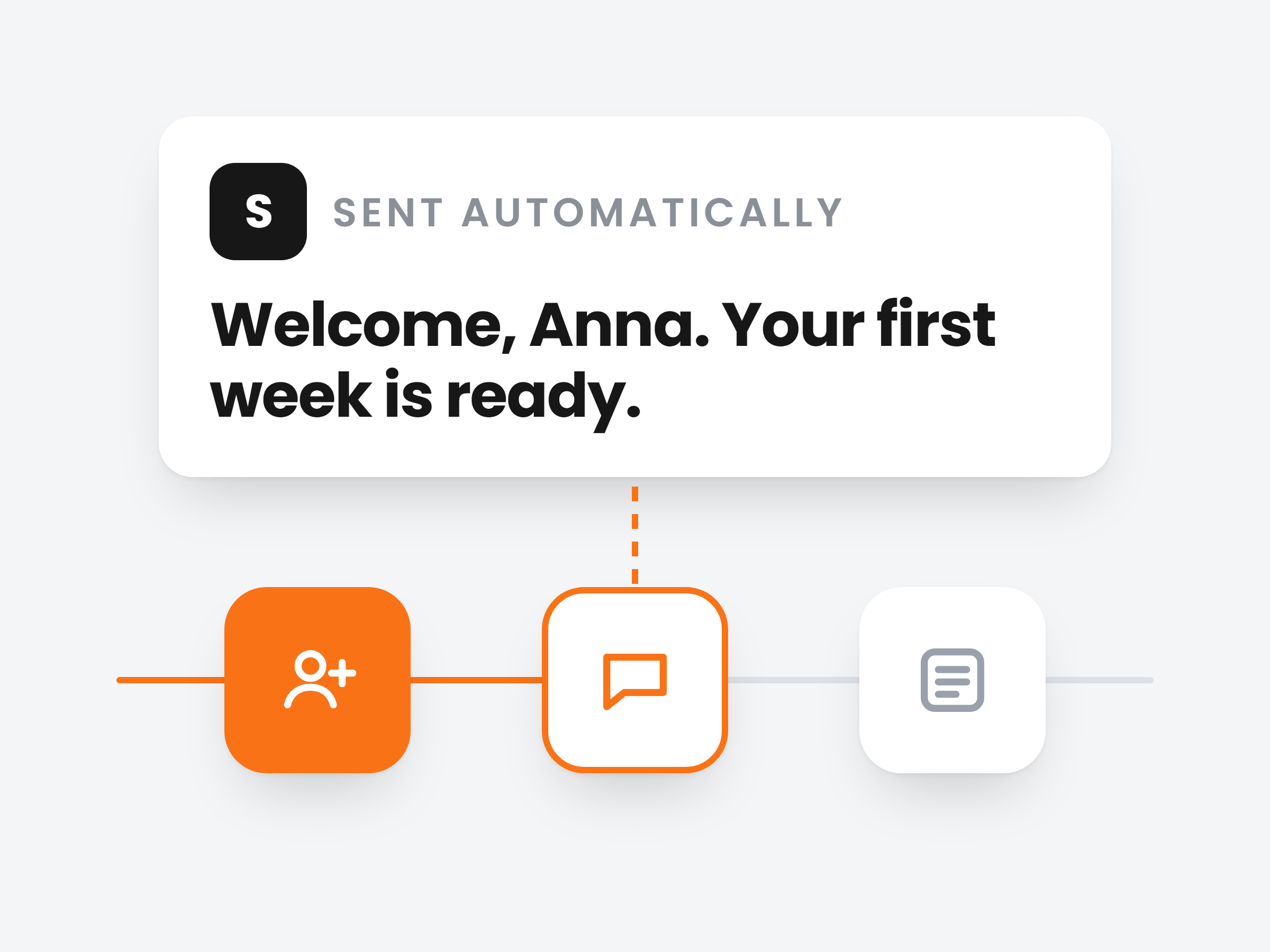
Pick the moments that matter.
Twelve triggers cover the client journey, from the day they join to a failed payment. Use one, or combine up to five so the automation only runs in the exact situation you care about.
The whole journey
New client, new subscription, missed workout, logged weight, check-in submitted, low meal adherence, inactivity, plan completed, failed payment and more.
Combine signals
A missed workout alone is a busy week. Add low meal adherence and it is drift. The automation waits until both are true.
Leave clients out
Exclude anyone an automation should skip. Clients who join later are included automatically.
Drifting clients
2 triggers, 1 action
Runs when both happen within 7 days
Write the follow up once. Every client gets it.
Line up the steps in order: a message, a wait, a check-in. Each step is set up on its own panel and runs for every client the trigger catches.
15 actions
Messages, training and meal plans, check-ins, payment requests, habits, vault files, appointments and tags.
Waits between steps
Hold the next step for minutes, hours or days.
Personal every time
Put {client_name} in a message and every client sees their own name.
Planning a set month of steps instead? Use the Workflow Builder.
Actions 15
and 8 more
The AI suggests. You approve.
Add an AI Analyzer step and it reviews the client's training and nutrition, then proposes a change, like a macro tweak or a deload week, with the exact before and after.
Nothing changes on its own
The plan only changes when you tap Apply. Dismiss it and nothing happens.
Ask it why
It answers from the client's own data: recent sessions, lift history and their nutrition log.
Waiting on your dashboard
New suggestions show up in your attention feed, one tap from the review.
Sarah M. · Weekly nutrition review
Raise protein target
AI analysis
Sarah hit her protein target on 3 of the last 14 days while her training volume went up. More protein will help her recover.
Raise protein target
Onboarded while you sleep.
A client signs up at 23:41. The New Client Onboarding template welcomes them right away, assigns their training plan a day later and asks for a first check-in a week after. Included with Ultimate.
New Client Onboarding
Execution history · Emma R.

James
Your coach
Monday
Hi Emma, welcome to the team! I'm excited to help you reach your goals. Let's get started.
23:41
Tuesday
Thanks James! Can't wait to start.
07:12
Start from a template
New client onboarding, re-engaging inactive clients and a subscription welcome are ready to edit.
Or describe it
Tell the AI what you want in a sentence and it drafts the automation on the canvas.
Every run on record
Execution history shows who each automation ran for and how every step went.

Ready to automate your fitness business?
Join trainers using Scraler to automate client onboarding, save time, and deliver a consistent experience.
Full access, cancel anytime