



The command center for your coaching business
Stop juggling spreadsheets and text messages. Scraler gives you a professional, centralized dashboard to manage every client's journey.
Invite them once. They arrive set up.
Add a name and an email. The client gets the invite in their own language, fills in your intake on the web, and lands on a profile that is already complete.
In their language
Preset one, detect it from their browser, or let them choose. The invite, signup, app and every email follow.
Your intake questions
Pick the profile fields they must fill in and add your own forms. Start blank or from a template like a PAR-Q.
Day 1 already waiting
Set a starter program and meal plan once. Every new client gets them the moment they join.
Client Onboarding
Applies to every new client
Client language
Onboarding forms
Pre-Exercise Health Screening (PAR-Q)
9 questions
Goals & Motivation
5 questions
Training delivery
Your whole roster, sorted your way.
Search by name, filter by status and group clients into categories you create. It works the same at 10 clients or 300.
Status on every row
Active, invited, awaiting payment or archived, with missed workouts flagged next to the name.
Archive without losing anything
Archived clients keep their full history and stop counting toward your plan. Reactivate them in one click.
Import your list
Upload an Excel file, review the rows, then approve them and send the invites.
Main menu
Categories
Add New Category
Clients14 / 50
Manage your client list and track progress

james.kim@gmail.com · Feb 21, 2026

lisa.park@icloud.com · Apr 3, 2026

rachel.torres@outlook.com · Jan 8, 2026
david.chen@gmail.com · Sep 22, 2026
olivia.grant@gmail.com · Sep 24, 2026
Open a client. Everything is there.
Training, nutrition, check-ins, habits, chat and payments sit in tabs on one profile. The overview shows how their last weeks went and what needs you today.
What needs you, on top
Check-ins to review, missed workouts, unpaid payments and unconfirmed sessions, each one click from the fix.
Private notes
Injuries, preferences, what you agreed on. Clients never see them.
Features per client
Turn workouts, nutrition or the community on or off for one client in their settings.

Anna Kowalski
anna.kowalski@gmail.com
Weight
68.2 kg
-2.4 kg · 28d
Training · 28d
80%
4 of 5 workouts
Nutrition · 7d
6/7
days logged
Attention needed
3 itemsSee the change, week by week.
Weight, body fat, measurements and photos land on their profile as they log them, charted for you over any range.
Charts over any range
One month, three, six, a year or all time. Weight, body fat and muscle mass each get their own chart.
Progress photos
Photos from the app or their check-ins show up here on their own, ready to compare.
Share it as a report
Send a progress report straight into your chat with the client.
Weight progress
-2.5 kgProgress photos
Front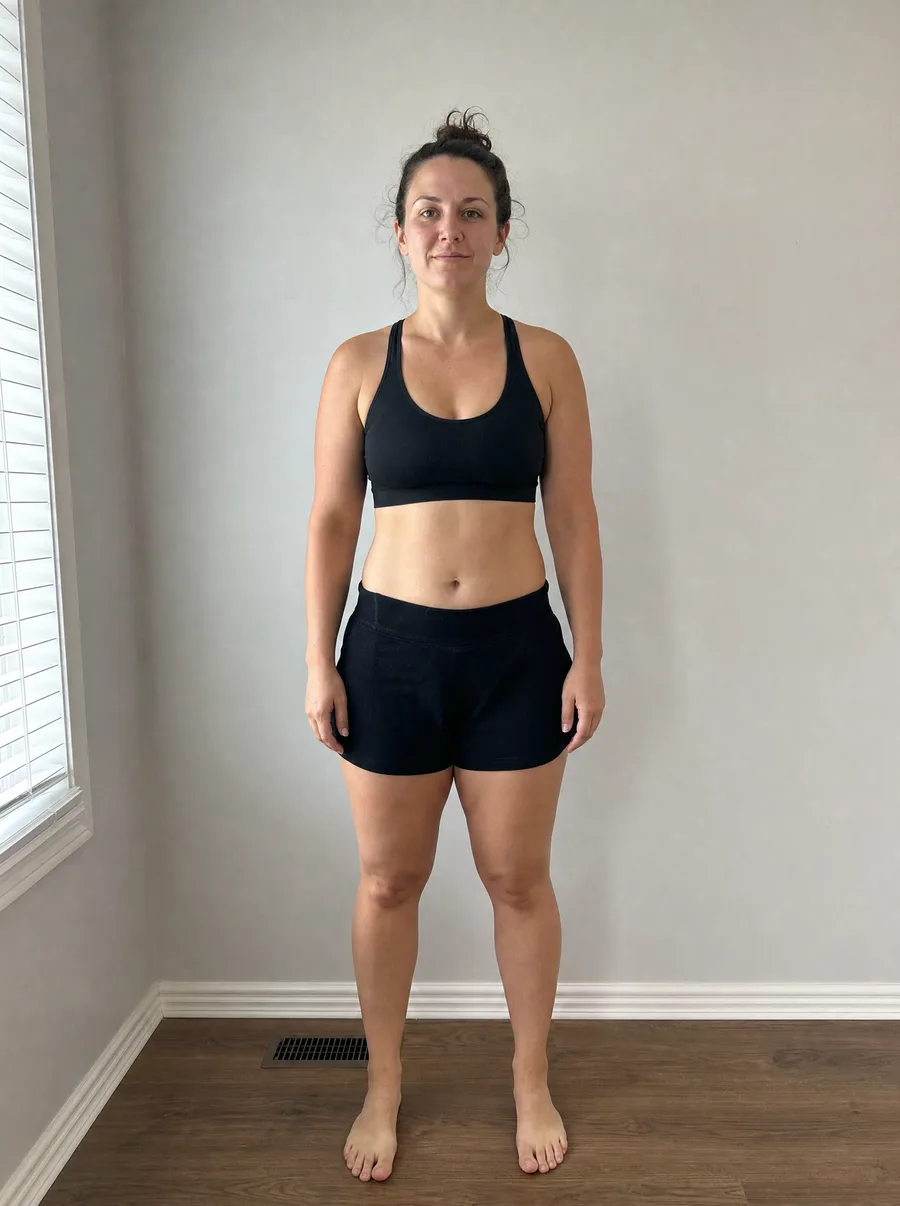 Week 1
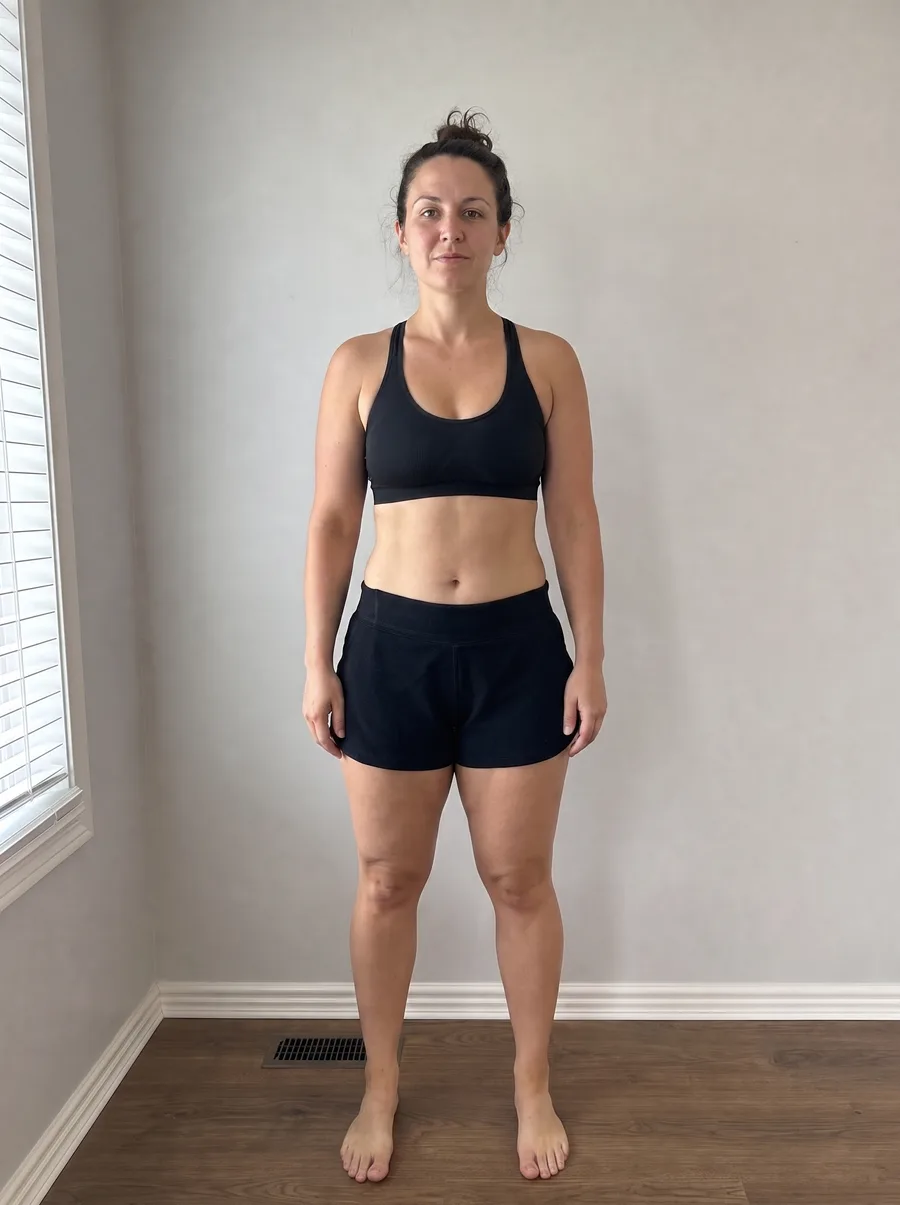 Week 8
Their full history in one Excel file.
One button on any client profile builds a formatted workbook of everything they logged, ready to open, keep or hand over.
One sheet per area
Profile, progress, workouts, check-ins, nutrition, habits and training plans.
Answers a data request
A GDPR request for a copy of their data takes one click.
Private stays private
Your coaching notes, chat and cycle data are left out on purpose.
Moving clients from in-person to a membership with app coaching? Read the guide to hybrid personal training.
Comparing dedicated client management systems? See our guide to personal trainer CRM software.

Start managing your clients like a pro
Join thousands of trainers who have switched to Scraler for a better coaching experience.
Full access, cancel anytime