
Notifications
Choose which notifications you get as a trainer. Each notification has one switch.
Web notifications
Open Settings, then Notifications. Turn a switch on or off and it saves right away. There is no Save button.
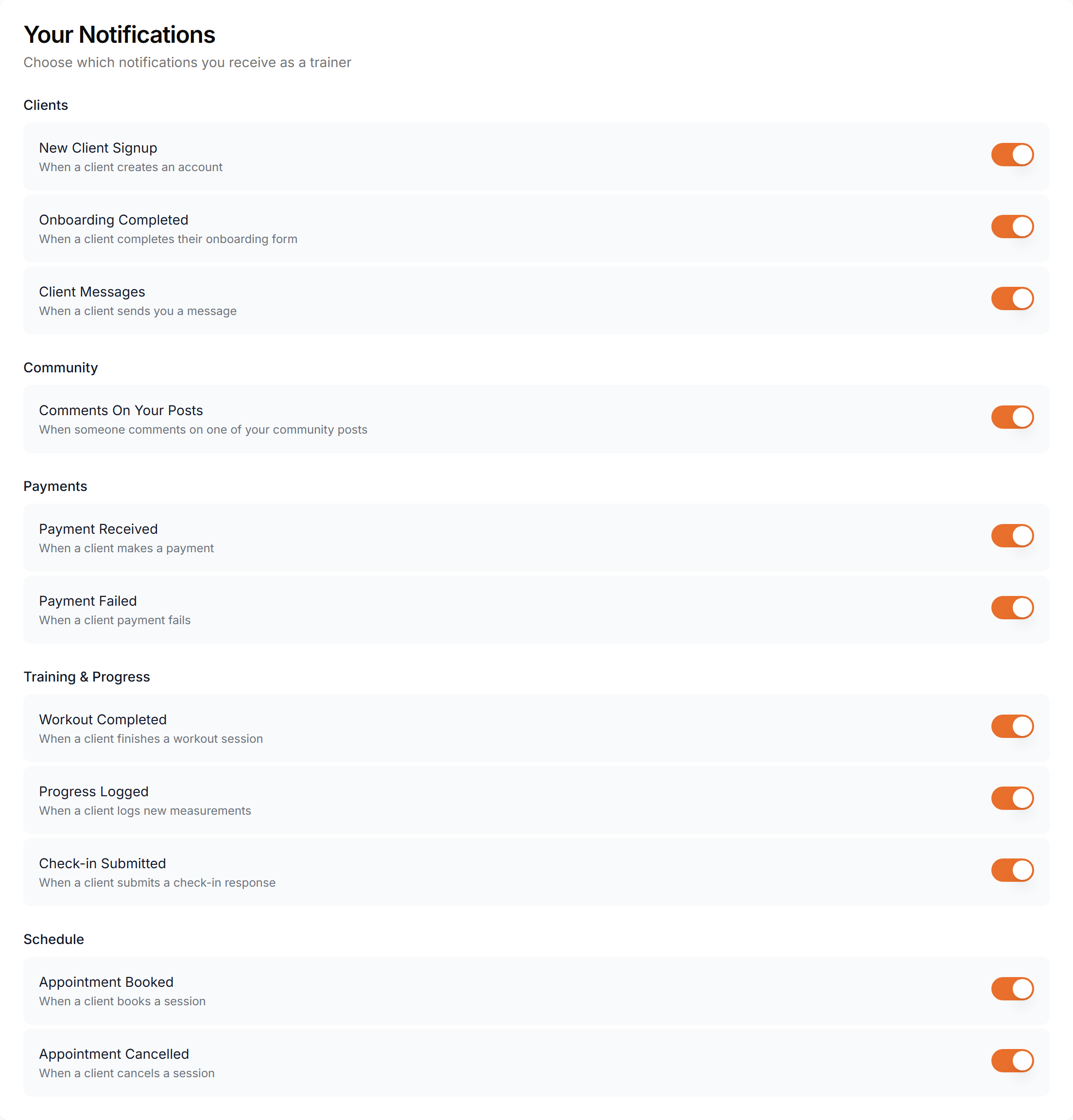
Every switch controls the bell in your dashboard. For New Client Signup, Payment Received, Payment Failed and Appointment Cancelled it also controls the matching email. There is no separate email switch.
Push notifications
If you are signed in to the Scraler app, the same notifications also reach your phone as push alerts, and the same switch turns them off.
Your clients set their own push preferences in the client app.