
Client features
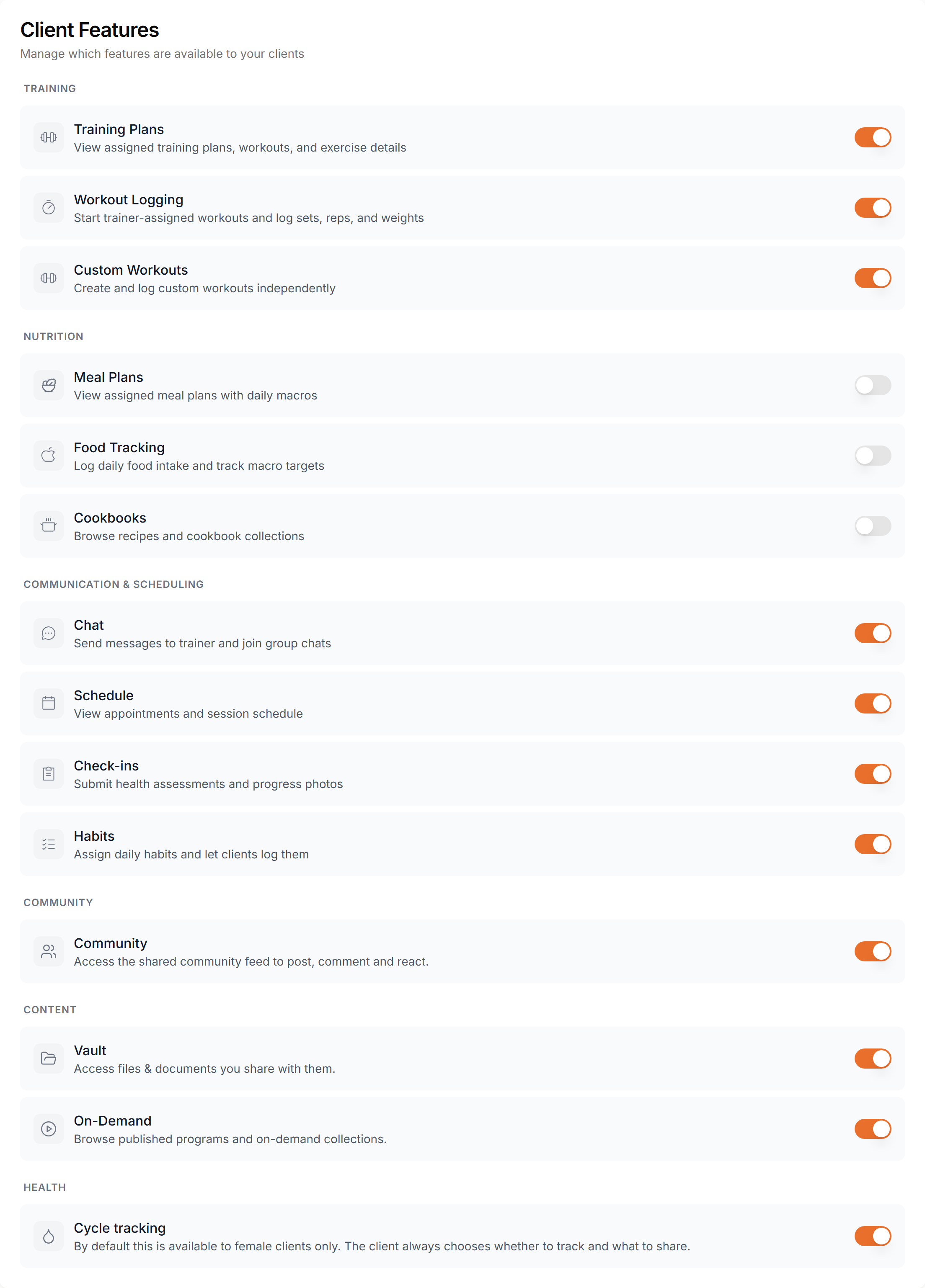
Choose which parts of the app your clients can use. Each toggle shows or hides a feature for your clients.
Feature toggles
Open Settings, then Features. Switch a feature on or off. The change applies right away and clients do not need to update their app.
When you turn a feature off
It disappears from the client's app and navigation. Nothing is deleted. Turn it back on and all the data is there again.
Per client
These toggles are your defaults. A client on a subscription plan gets the features of that plan. To change one client, open their profile and go to Settings.